Games to play on a plane — no wifi needed
Stuck on a long flight with no wifi? You don't need to download a single app or pay for onboard internet to keep yourself busy. NeoArcade is a free browser arcade that keeps working after you switch to airplane mode — dozens of games that run entirely on your phone or laptop.
Because it installs to your device like a real app, the games, boards and artwork are saved the first time you open it. From then on you can play with the wifi completely off — no signal, no data, no interruptions. Your best scores simply sync to the global leaderboards the next time you're online.
Works on any phone or laptop. Just open it once on wifi before you take off.
Set it up before your flight (two minutes)
NeoArcade is a Progressive Web App, which means it saves itself onto your device and keeps working with no signal. Do this while you still have internet — at the gate, in the lounge, or on the drive to the airport:
- 1 Open neoarcade.io once so it loads fully onto your phone. Tap through a couple of games so their artwork caches too.
- 2 Add it to your home screen (your browser's Share menu → “Add to Home Screen” on iPhone, or the ⋮ menu → “Install app” on Android). Now it opens full-screen like a real app, even in airplane mode.
- 3 In the air, open it from your home screen and play. That's it — no signal required.
Play the computer at classic board games
 Chessvs computer
 Checkersvs computer
 Backgammonvs computer
 Connect Fourvs computer
 Reversivs computer
 Gomokuvs computer
If you like a proper thinking game, you can play any board game against the computer with no connection. Play chess against a bot at five difficulty levels — from a gentle warm-up to a genuine challenge — or settle in with checkers, backgammon, Connect Four, Reversi, Gomoku or Nine Men's Morris. Every one runs its full opponent on your device, so a bad selection of in-flight movies is no longer your only option. Traveling with someone? Hand the phone back and forth in Pass & Play and take turns on the same screen — no second device or internet needed.
Arcade runs and puzzles for a long-haul flight
 Neon Flightarcade run
 Brick Breakerarcade run
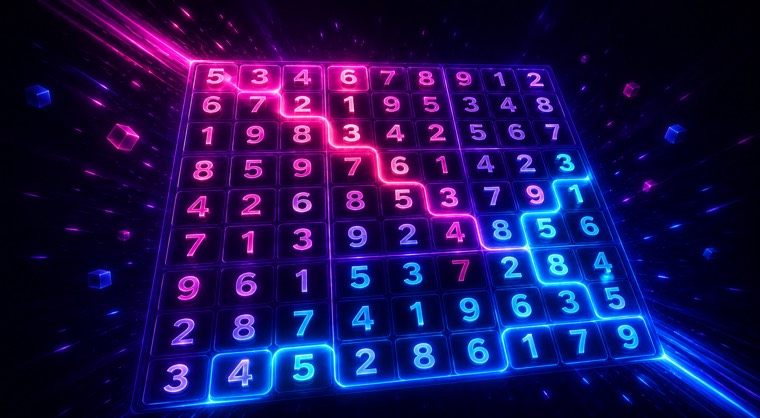 Sudokusolo puzzle
 2048solo puzzle
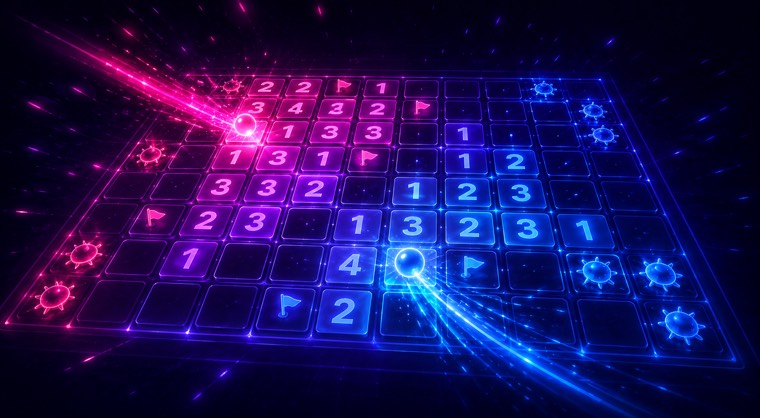 Minesweepersolo puzzle
For something faster, chase a high score in an arcade run. Neon Flight, Chain Reaction, Number Rush and Brick Breaker all play offline as practice runs — the kind of “just one more go” loop that quietly eats a two-hour delay. If you'd rather unwind, the solo puzzles are ideal plane companions: Sudoku with five difficulty levels, the tile-sliding classic 2048, and Minesweeper in three board sizes. None of them need a connection, and none of them have a timer forcing you to rush — perfect for a slow cruise at altitude.
Why these games work with no internet
Most web games break the moment you lose signal, because they stream everything from a server as you play. NeoArcade is built differently. As a Progressive Web App, your browser stores the whole arcade — the code, the game boards and the artwork — on your device the first time you visit. After that it opens instantly and runs completely offline, the same way a native app would, but with nothing to install from an app store and no storage-hogging download. That's why it's one of the few places you can play a full game of chess, a Sudoku, or a round of Neon Flight at 35,000 feet without a single bar of signal.
Frequently asked questions
Can I really play games on a plane with no internet?
Yes. Because NeoArcade installs to your device like an app, the games keep running with the wifi off. Open the site once on a connection first so it can save itself, then it works offline for the whole flight.
Do I have to download an app from the App Store?
No. There's nothing to install from an app store and no big download. You just open the website and, optionally, tap “Add to Home Screen” so it launches full-screen like an app.
Which games work offline?
Board games against the computer (chess, checkers, backgammon, Connect Four, Reversi, Gomoku and more), arcade high-score runs like Neon Flight and Brick Breaker, and self-contained puzzles like Sudoku, 2048 and Minesweeper. Online matches against strangers and world-ranked scores need a connection.
What's the best game to play on a long-haul flight?
If you want to switch your brain off, Sudoku or 2048 are relaxing and endless. If you want a challenge, play chess against the higher-difficulty bots. If you just want to kill time, a Neon Flight or Brick Breaker high-score run is the classic “one more try” loop.
Can I play with the person sitting next to me?
Yes — “Pass & Play” lets two people share one phone and take turns, so you can play chess, checkers or Connect Four together with no second device and no internet.
Will it drain my battery?
No more than any other app. The board and puzzle games are very light on your device, and with the wifi and mobile data off (airplane mode), your phone actually uses less power overall.
Is it free?
Yes, it's free to play and there's no signup required. You can play as a guest instantly — create an account only if you want to save your scores to the global leaderboards.